Product Description
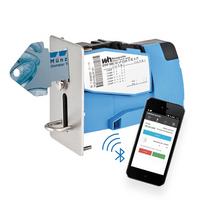
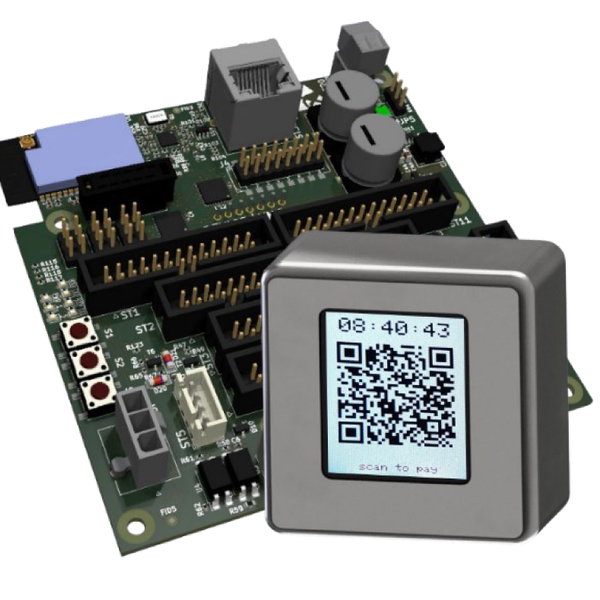
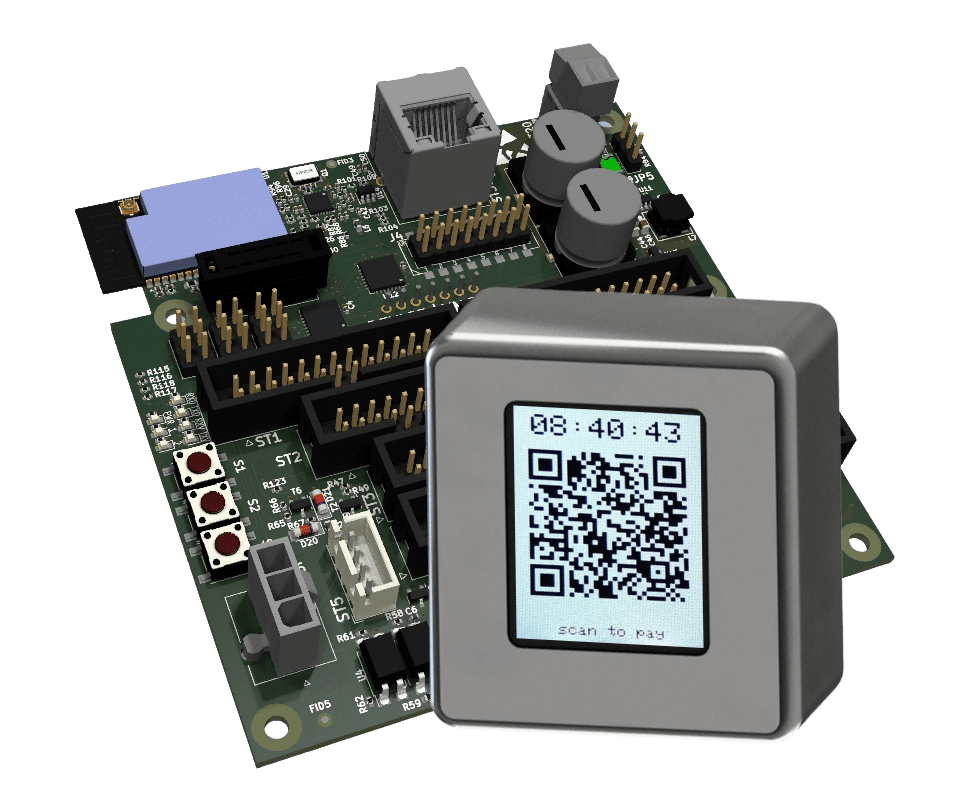
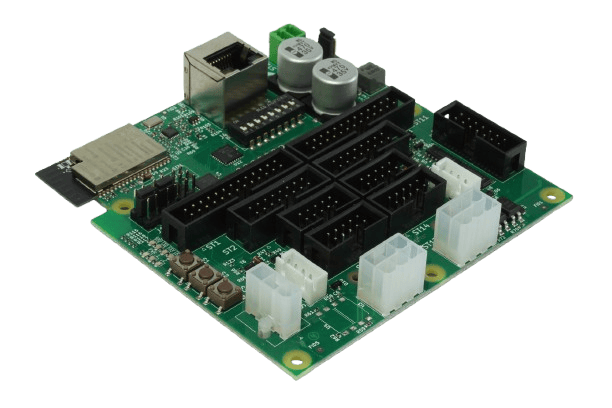
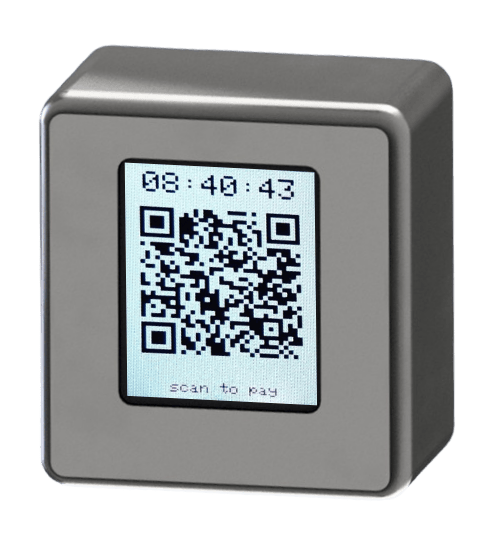
The QRP 110 module offers the option of equipping or retrofitting vending machines for cashless payment. It consists of an electronic module and a display module. In the case of retrofitting, the QRP 110 electronic module is connected between the existing payment components (e.g. electronic coin validator or banknote validator) and the vending machine controller. The existing payment components remain fully functional and the configuration of the machine is not changed. The QRP 110 requires an internet connection.
Customers do not need to register or download an app.
The payment provider is Paypal. Other payment providers can be integrated on request.
Highlights
- QR Code Payment
- Cashless expansion module for networked devices
- With external display to show dynamic QR-code
- Parallel, ccTalk and MDB interface looped into connection of existing payment devices
- No App required
Specifications
Installation dimensions electronic module:
100 x 100 mm
Installation dimensions display module:
54 x 34 mm (PCB only)
Environmental conditions:
-20°C to 70°C
Interfaces:
ccTalk, USB-ccTalk, MDB, Parallel
Connections:
- Ethernet Port (10/100Mbit)
- 2 x Parallel 10-pin (output, input)
- 2 x ccTalk 4-pin (1 x host, 1 x client)
- 2 x MDB (1 x host, 1 x client)
- Power supply QRP via 12V round connector (side connection)
Product Examples and Accessories
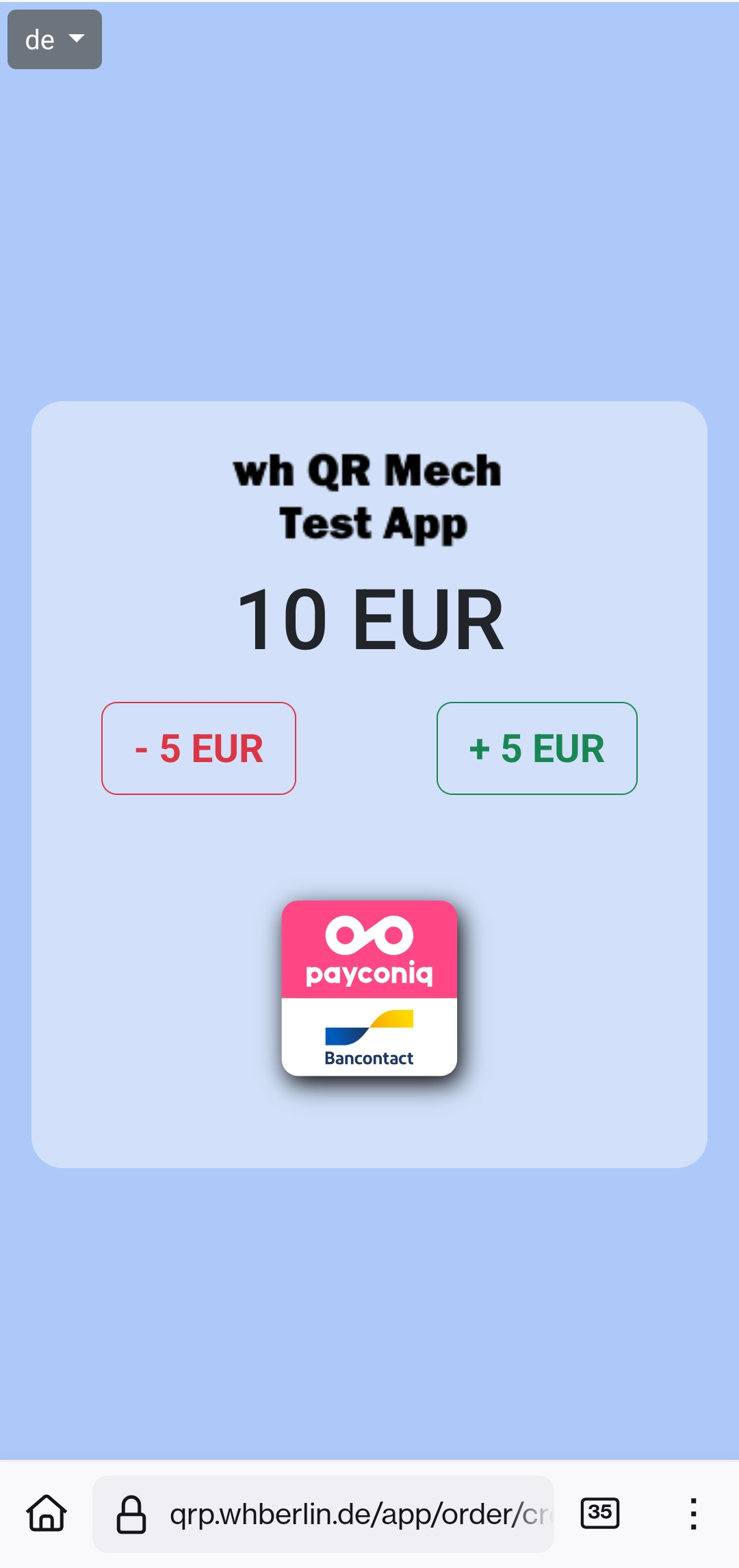
MADE IN BERLIN
Pay by smartphone without registration
How payment at the machine works
Below you will find a short description of the payment process for the customer. Essentially the following four steps are required.
Scan QR code
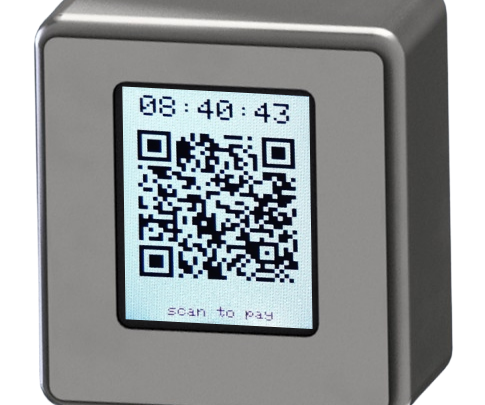
The QR code is dynamically generated and displayed on the screen. It leads to the website where the payment process is handled.
Enter code
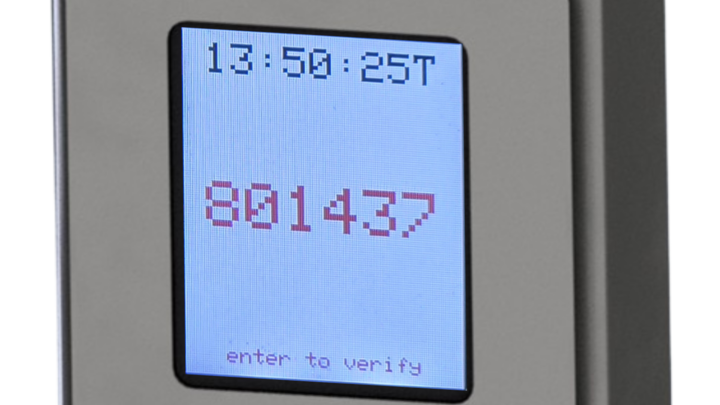
A verification code is displayed on the screen, which is entered on the website.
Select amount / payment method
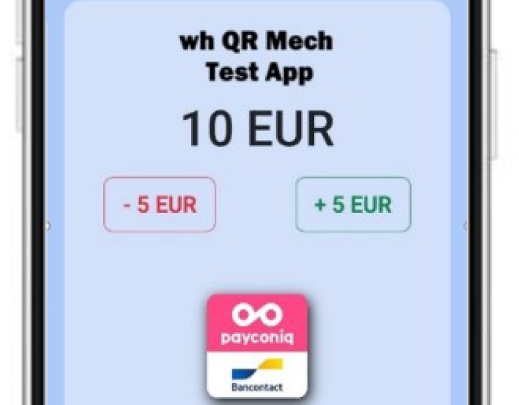
Select the amount to be paid if applicable, then choose the payment method.
Any questions?